Key Takeaways
- Small Manufacturers Have Unique Needs: Enterprise ERP platforms built for large-scale operations often add cost and complexity that small manufacturers don’t need. The right system matches your headcount, budget, and production volume. An ERP for small manufacturing business caters to these problems differently.
- Disconnected Systems Are the Real Problem: Spreadsheets, standalone accounting software, and manual work orders don’t break all at once. They erode visibility slowly until production, inventory, and finance stop talking to each other.
- Business Central Is Built for This: Microsoft Dynamics 365 Business Central connects production, inventory, purchasing, and financials in a single cloud platform designed for small and mid-sized manufacturers.
- Cloud Is the Right Choice for SMBs: Over 55% of small businesses now choose cloud-based ERP because it removes server costs, IT overhead, and lengthy upgrade cycles.
- Implementation Partner Matters More Than Software: The right ERP with the wrong implementation approach leads to failure. Choose a partner with verified manufacturing expertise, not a generalist.
Quick picks
- Best overall: Microsoft Dynamics 365 Business Central
- Best for non-standard workflows or many light users: Acumatica
- Best for rapid, multi-entity growth: Oracle NetSuite
- Best for in-house developers on a tight budget: Odoo
- Best for makers selling through ecommerce: Katana
Introduction
Think about the last time your production floor ran out of a raw material nobody saw coming. Or the moment a customer called about a delayed order and you couldn’t give them a straight answer because your shop floor data and your accounting system live in completely separate worlds. That’s a classic case of needing an ERP for small manufacturing business.
If any of that sounds familiar, you’re not dealing with a technology problem. You’re dealing with a visibility problem. And for small manufacturers, this is where things quietly get expensive.
Most ERP guides are written for large enterprises with six-figure IT budgets, full implementation teams, and 12-month go-live timelines. Small manufacturers don’t have that. You’re working with tighter margins, leaner teams, and a much lower tolerance for software that takes months to show any return.
This guide is written for small manufacturing businesses. That means companies with 10 to 200 employees, one or two production facilities, and a real need for a system that works without a full-time administrator to keep it running.
What Makes an ERP “Right” for Small Manufacturers?
Most ERP systems on the market were not designed with small manufacturers in mind. They were built for large enterprises first, then scaled down. This usually means the interface is complex, the pricing is unpredictable, and the implementation process assumes resources that a 40-person shop simply doesn’t have.
A proper ERP for small manufacturing connects the things that matter most: production orders, inventory, purchasing, and financials. Not as separate modules you have to stitch together, but as a unified system that reflects how your operation actually runs.
Here’s what that looks like in practice. When a sales order comes in, your ERP should automatically check available inventory, flag any material shortfalls, and generate a production order with routing and bill of materials already attached. Your purchasing team sees what needs to be ordered before the shop floor hits a wall. Your finance team sees cost of goods in real time, not at month-end. That is the difference between an ERP designed for manufacturing and accounting software with a production add-on.
Five Essential Features Small Manufacturers Need from ERP
Based on the most common pain points across small manufacturing environments, these are the capabilities that move the needle:
Multi-level bills of materials and production orders
Your ERP should manage multi-level bills of materials and turn them into production orders that reserve materials from live inventory. Everything else in a manufacturing ERP builds on this.
The bill of materials is the recipe for each product: raw materials, subassemblies, quantities and scrap allowances. Multi-level means a finished product can contain subassemblies with their own BOMs, which is how most real products are built. A production order turns that recipe into a job, lays out the operations in sequence, and becomes the record that labor, scrap and output are reported against.
Material requirements planning (MRP)
MRP tells purchasing exactly what to buy and the floor what to make, and when, so you stop running short on key parts while overstocking others.
It works backward from open sales orders and forecasts, subtracts what’s in stock or already on order, and factors in supplier lead times. Without it, purchasing runs on rules of thumb like reordering when a bin looks low, and rush freight covers the gaps.
Shop floor and capacity visibility
Small manufacturers need to see which work centers are overloaded before the week starts, and what’s stuck on the floor right now.
Capacity planning compares scheduled work with the machine and labor hours you actually have, so it flags a work center booked at 130% while another sits half idle. Shop floor reporting fills in the rest: operators log start, stop, output and scrap against each job from a tablet or terminal, feeding both the schedule and your job costs. Without it, you learn about delays when a customer calls.
Inventory and warehouse control
Your ERP should record every inventory movement as it happens, so the count on screen matches the count on the shelf.
This matters because the same parts show up in purchasing, on the floor as work in progress, and in finished goods, and disconnected systems let those numbers drift apart. If you sell into regulated industries or to customers who expect recall readiness, add lot and serial tracking, which traces any finished unit back to the material batches inside it. See how this works in Dynamics inventory management.
Integrated job costing
Your ERP should show what each job actually cost against what you quoted, with labor, material and overhead posting to the ledger automatically as the job runs.
For many small manufacturers this is the feature that pays for the system. Underpriced jobs are hard to spot when costs are pieced together from spreadsheets weeks after the work shipped.
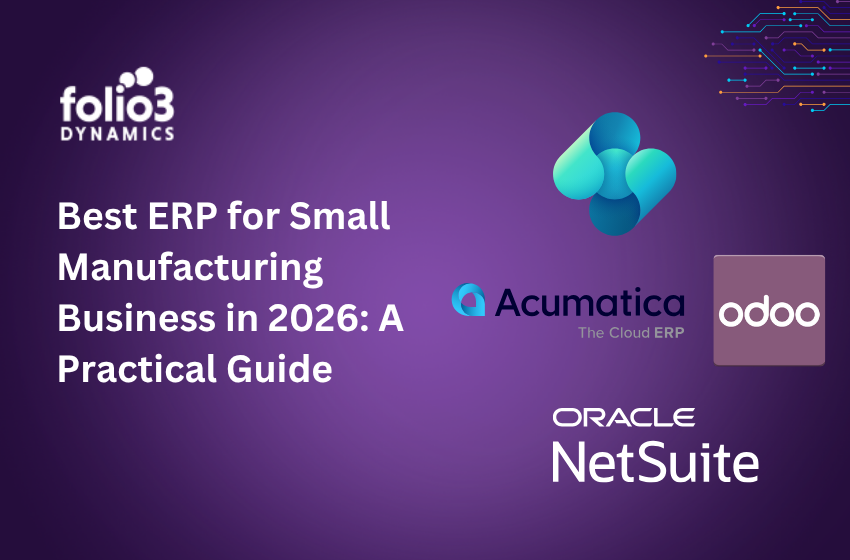
Best ERP for Small Manufacturing Business in 2026
Several platforms compete for this market. Each has a different strength, pricing model, and implementation complexity. Here’s a practical breakdown.
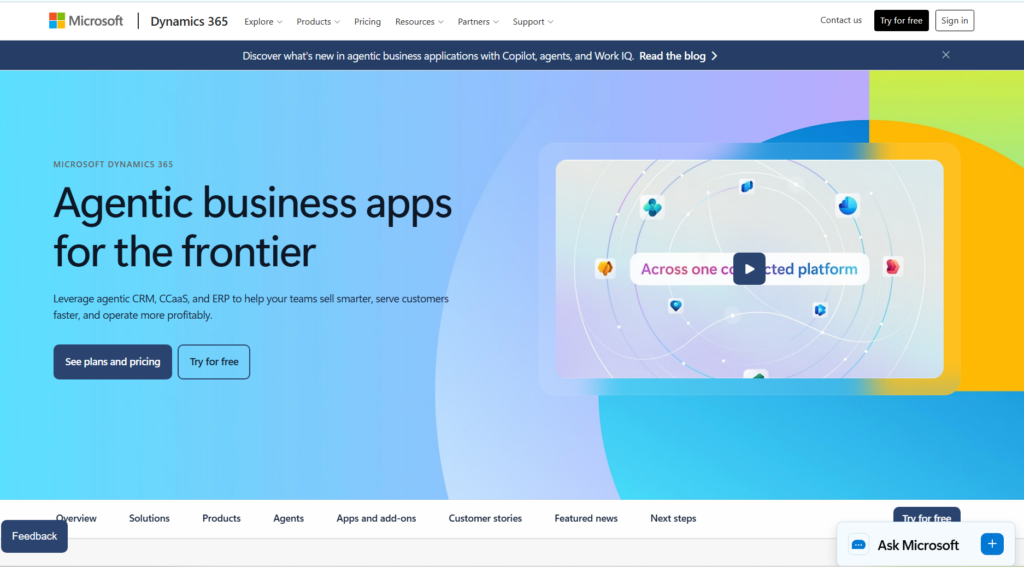
Microsoft Dynamics 365 Business Central — Best Overall for Small Manufacturers
Business Central is the strongest all-round ERP for small manufacturers because production, inventory, purchasing and financials share one database, and it runs on Microsoft’s cloud with no servers to maintain.
Its planning worksheet reviews forecasts, open sales orders and stock levels, then proposes production and purchase orders that planners release from the same screen. BOMs run multiple levels, work centers and routings are native, and job costs post straight to the ledger. The 2026 release wave 1 (version 28, April 2026) added a native Quality Management module with inspection templates and pass/fail rules, which previously required a third-party add-on.
Pricing: Manufacturing features require the Premium license at $110 per user per month. Essentials ($80) covers finance, inventory and purchasing but not production. Team Members licenses cost $8 per user per month for staff who only view, approve or make light edits.
Pros:
- Native Microsoft integration: Works inside Microsoft 365, Teams and Excel, which shortens training for office and floor staff.
- True manufacturing depth: BOMs, routings, MRP, capacity planning and job costing are native, not bolted on.
- Scalable without a platform switch: Scales from 10 to several hundred users without a platform change.
Cons:
- Some advanced features may require the Premium plan.
Best for: Manufacturers with 10-200 employees who want production and accounting in one system.
Deployment: Cloud (Microsoft Azure). See what Folio3 delivers on the Dynamics 365 Business Central page.
Acumatica — Best for Manufacturers Who Need Workflow Flexibility
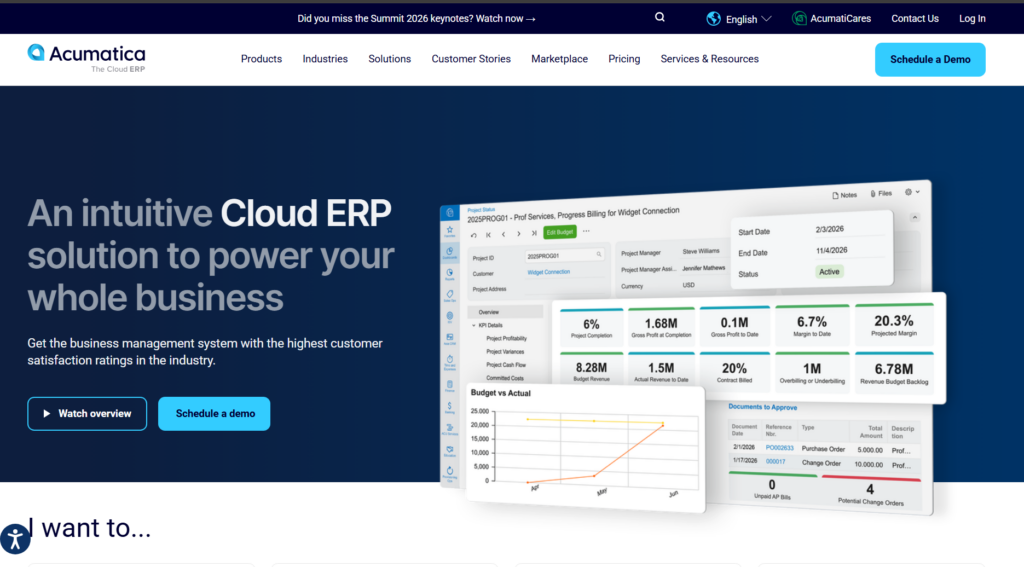
Acumatica is a cloud ERP built for configurability. It suits configure-to-order, mixed-mode and contract manufacturers whose processes don’t fit system defaults.
Pricing: Acumatica prices on the computing resources and transaction volume you use rather than per user, so adding shop-floor logins doesn’t raise the bill. The trade-off is that cost is harder to forecast as order volume grows.
Pros:
- Consumption-based pricing: No per-user fees, so floor-level access stays affordable.
- Workflow configurability: Workflows can be modeled around your process.
- Strong ISV ecosystem: Broad ISV ecosystem for industry-specific needs.
Cons:
- Transaction-based pricing can climb unpredictably with growth.
- Manufacturing depth requires the Manufacturing Edition, not the base product.
Best for: Manufacturers with non-standard workflows or many occasional users.
Deployment: Cloud or private cloud.
NetSuite — Best for Manufacturers Planning Rapid Growth
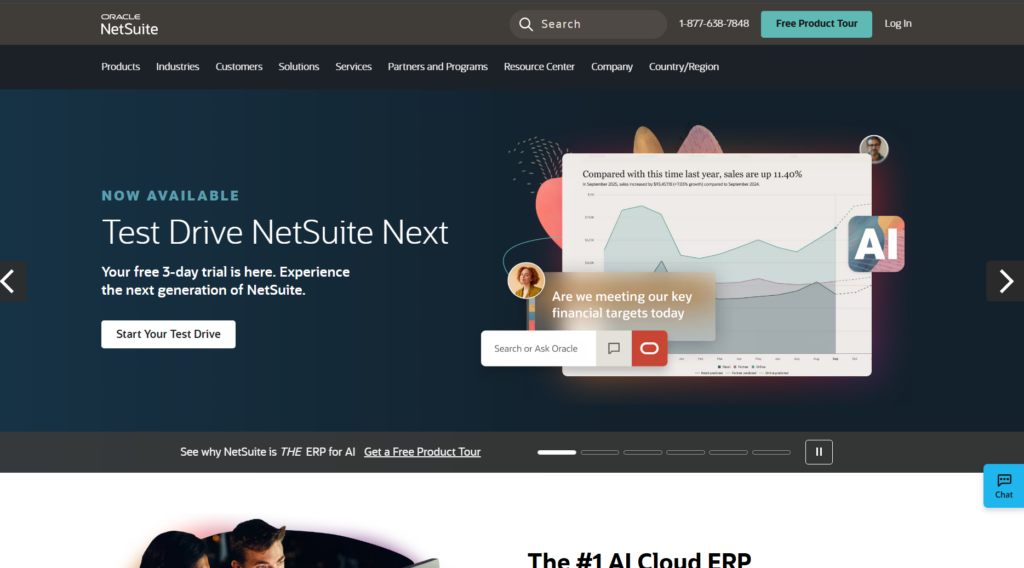
NetSuite fits manufacturers that expect to operate multiple entities, currencies or countries within three to five years. Its OneWorld module handles multi-subsidiary consolidation cleanly.
Pricing: Quote-based, combining an annual base license, per-user fees and add-on modules.
Pros:
- Multi-site and multi-currency ready: Multi-site, multi-currency and multi-entity support is native.
- Strong financial reporting: Real-time consolidation across entities gives executives visibility without needing a large finance team to produce it.
- Scales to $100M+ without a platform change: Companies that outgrow their current ERP won’t need to migrate again.
Cons:
- Implementation costs and system complexity are sized for mid-market companies, not small manufacturers. A 20-person shop will spend significantly on setup and ongoing administration for capabilities they won’t use for years.
Best for: Manufacturers with $5M+ revenue and firm expansion plans. Deployment: Cloud.
Odoo — Best Low-Cost Starting Point
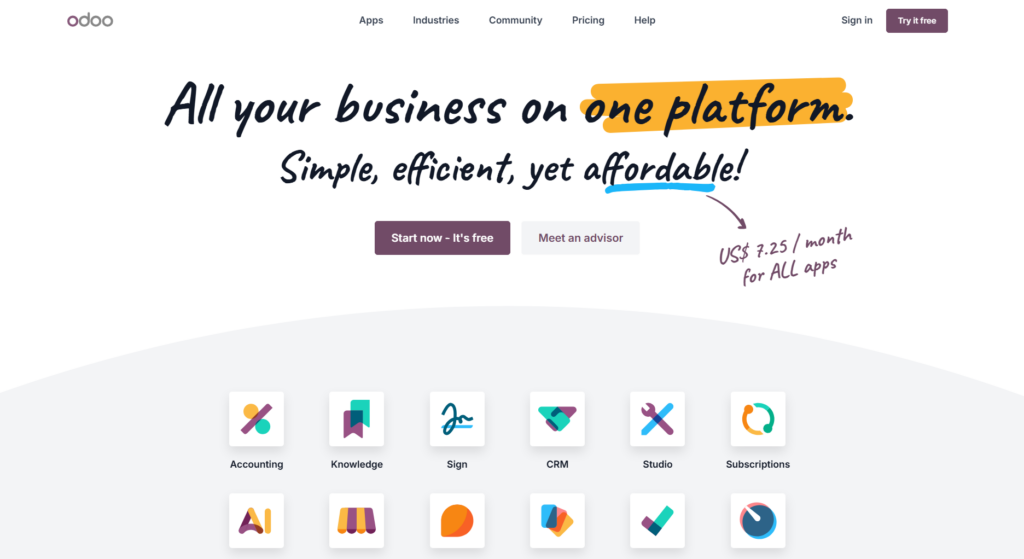
Odoo is an open-source, modular platform. You can start with its manufacturing, inventory and accounting apps and add more over time.
Pricing: The Community edition is free. The Enterprise edition is priced per user and usually costs less than Business Central or NetSuite at similar module counts.
Pros:
- Modular and low entry cost: Low entry cost; add modules as you grow.
- Community edition is free: Free Community edition for teams with developers.
- Broad module library: Covers manufacturing, CRM, ecommerce and HR in one platform.
Cons:
- Customizations usually require developers.
- Partner quality varies widely, so total cost of ownership can exceed the sticker price.
Best for: Manufacturers with in-house technical resources or a very limited budget who can accept a longer time-to-value.
Katana — Best for Makers Selling Through eCommerce
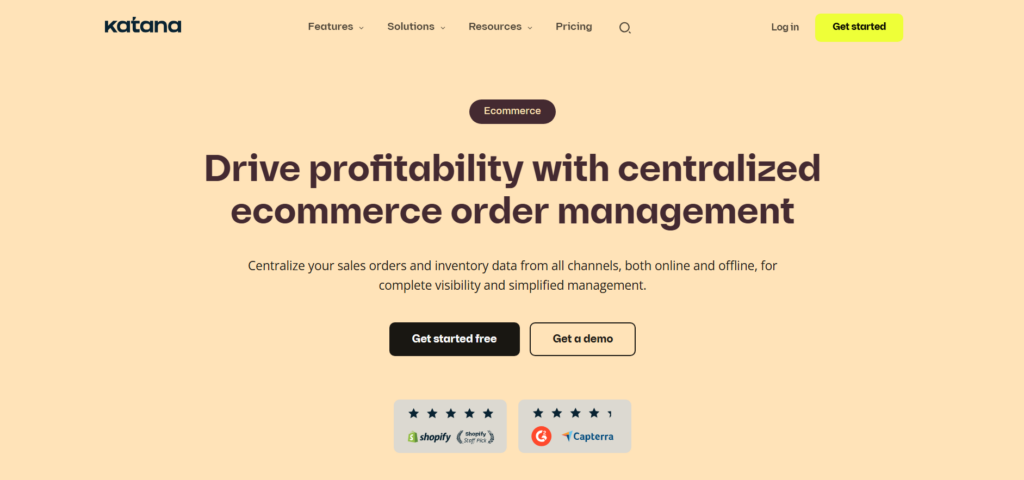
Katana is a visual manufacturing and inventory platform that connects to Shopify and other storefronts, pulling orders straight into production.
Pricing: A free tier is available; paid plans start at about $299 per month.
Pros
- Easy, visual interface.
- Native ecommerce and accounting integrations.
- Quick to deploy.
Cons
- Relies on QuickBooks or Xero for accounting, so production costs don’t post to one ledger.
- Limited for complex routings or multi-plant operations.
Best for: Direct-to-consumer and ecommerce-led makers. Deployment: Cloud.
Why Small Manufacturers Choose Business Central Over the Alternatives
Among the platforms above, Microsoft Dynamics 365 Business Central consistently stands out for small manufacturers who need both production capability and financial depth without the implementation overhead of larger enterprise systems.
The Microsoft ecosystem is a real advantage for manufacturers already using Microsoft 365 for email, Teams, and Excel. Business Central works directly with these tools, which shortens the learning curve for shop floor supervisors and office staff alike. The 2026 release wave adds Quality Management features and improvements to real-time MRP calculation speed — both directly relevant to small manufacturing environments.
For manufacturers evaluating Business Central against legacy accounting software, the QuickBooks to Business Central migration guide covers the functional differences and transition path in detail. And for manufacturers currently running on older Dynamics products, the Dynamics 365 migration services page outlines how Folio3 handles the full data and process transfer.
How to Evaluate ERP as a Small Manufacturer
The selection process matters as much as the software itself. Most small manufacturer ERP failures happen not because the wrong platform was chosen, but because the evaluation was rushed, the scope was too broad, or the implementation partner lacked manufacturing experience.
Start With Your Biggest Workflow Gaps
Don’t evaluate ERP systems based on feature lists. Start with the three or four operational problems that cost you the most time and money today. Common starting points include inaccurate inventory counts causing production delays, manual purchasing decisions leading to stockouts or excess stock, and month-end close taking a week instead of a day because production costs don’t flow automatically.
Define those problems clearly. Then evaluate platforms based on how directly they solve each one.
Prioritize Manufacturing-Specific Partners
A generic ERP partner who has implemented 50 projects across retail, healthcare, and financial services is not the right fit for a small manufacturer. Manufacturing implementations require deep knowledge of BOMs, routings, work center capacity, job costing, and shop floor data flows. These are not concepts that transfer cleanly from other industries.
Choose a partner with verifiable manufacturing references — ideally in your specific production type, whether that’s discrete, process, or mixed-mode. Research confirms that choosing a vendor without manufacturing expertise is one of the primary factors behind implementation failures in discrete manufacturing environments.
Define Your Go-Live Scope Narrowly
Small manufacturers who try to go live on every ERP module at once consistently struggle with adoption. Start with the core: production orders, inventory, and financials. Get your team stable on those before adding demand forecasting, quality management, and warehouse automation in later phases.
This phased approach produces the fastest time-to-value and the highest user adoption rates. For more guidance on scoping a Business Central implementation correctly, the Dynamics 365 implementation services page covers how Folio3 structures manufacturing go-lives from assessment through hypercare.
Conclusion
Choosing the right ERP as a small manufacturer comes down to one question. Does this system actually reflect how your operation runs, or will your team be bending their processes to fit software built for someone else? The platforms that work best for small manufacturers connect production, inventory, purchasing, and financials without requiring enterprise-scale resources to implement and maintain. For most small manufacturers in 2026, Microsoft Dynamics 365 Business Central hits that balance better than any other platform on the market.
If you’re in the evaluation stage or already know Business Central is the right direction but want to get the implementation right, Folio3 Dynamics has done this work across discrete, process, and mixed-mode manufacturing environments. With 20+ years of Microsoft implementation experience and a team of certified Dynamics 365 consultants, Folio3 can help you scope the project, configure the system to fit your production workflows, and go live without the false starts that derail most small manufacturer ERP projects. Book a free consultation to get started.
Frequently Asked Questions
What is the best ERP for a small manufacturing business? Microsoft Dynamics 365 Business Central is the strongest all-around choice for small manufacturers in 2026. It combines production planning, MRP, inventory, and financials in a single cloud platform designed to scale from 10 to 500 employees without requiring a platform change.
How much does ERP cost for a small manufacturing company? Cloud ERP costs for small manufacturers typically range from $70–$100 per user per month for platforms like Business Central, depending on the plan and modules required. Implementation costs vary based on complexity and partner, but small manufacturer implementations typically run between $15,000 and $75,000 for Business Central depending on scope.
What is the difference between MRP and ERP for manufacturing? MRP (Material Requirements Planning) is one module within a manufacturing ERP system. It handles production planning and material procurement decisions. ERP connects MRP with financials, sales, inventory, and customer management in a unified platform.
Can a small manufacturer implement ERP without a large IT team? Yes. Cloud ERP platforms like Business Central are designed to run without on-premise servers or a dedicated IT team. Implementation partners handle setup, data migration, and training. Ongoing maintenance is handled by the cloud provider.
How long does ERP implementation take for a small manufacturer? A well-scoped Business Central implementation for a small manufacturer typically takes 3 to 6 months for core modules. Broader implementations with advanced warehouse management or multi-site production planning take 6 to 12 months.